
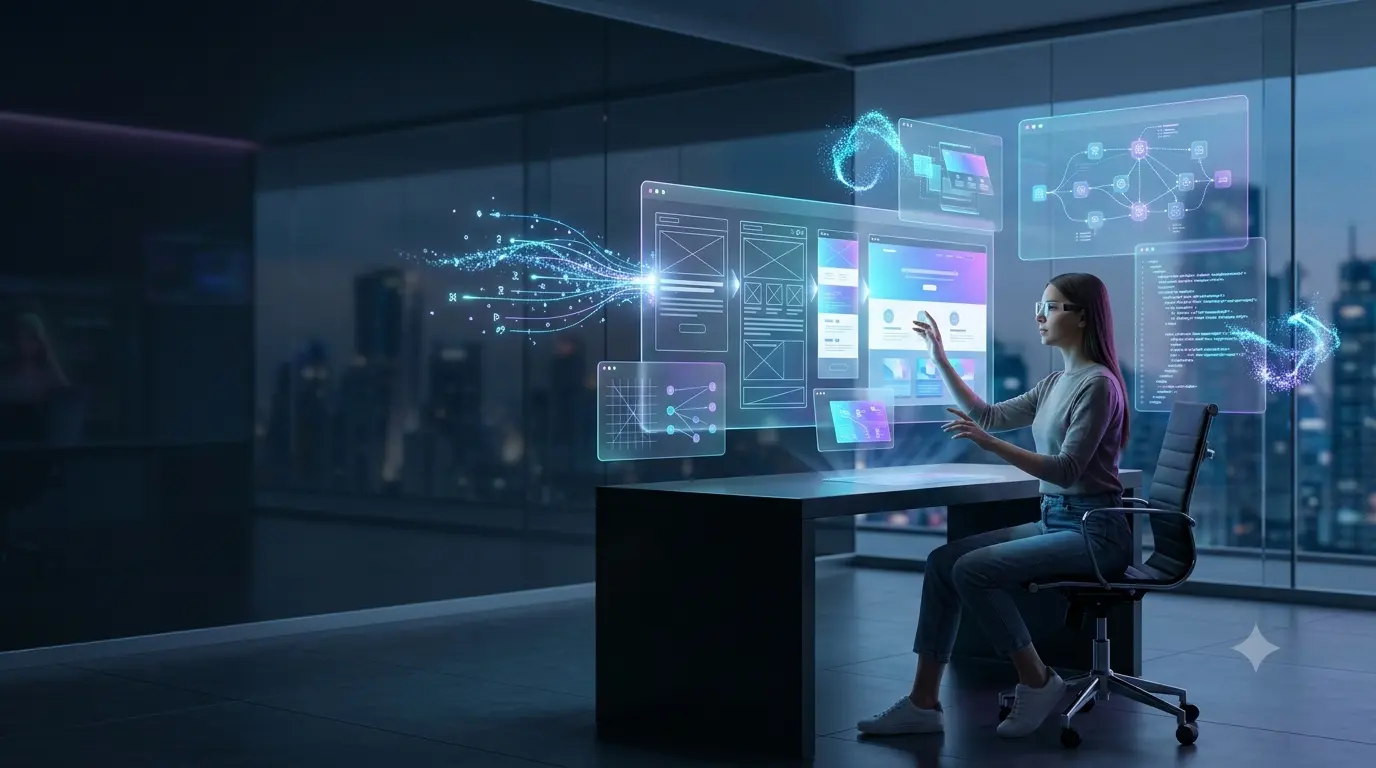
Two years ago, "AI website design" meant a chatbot suggesting colour palettes. In 2026, it means typing a plain-English description of a product page and watching a structured, responsive, editable interface appear in seconds, complete with components, spacing, and code you can actually ship. The gap between a rough idea and a high-fidelity UI has collapsed, and it is changing how design work actually gets done.
This guide looks at what is genuinely different about AI UI design in 2026, the real tools driving natural language design and design-to-code workflows, how they compare to the traditional design process, and what this shift actually means for businesses, designers, and developers, without the hype.
What Does "AI-Native" Web Design Actually Mean?
AI-native design tools do not just speed up an existing workflow, they change the starting point. Instead of opening a blank canvas and manually placing elements, a designer or founder describes what they want in natural language, or uploads a sketch, screenshot, or reference image, and the tool generates a structured, multi-screen interface with a working layout, component hierarchy, and visual style already applied.
The category has matured quickly. Google's Stitch, originally launched at Google I/O 2025 and significantly overhauled in March 2026 with an infinite canvas and context-aware design agents, now turns text prompts, images, or sketches into UI designs with direct export to Figma or clean HTML and CSS. Figma itself has leaned further into this with Figma Make, which generates interactive prototypes from prompts inside the same tool teams already use for handoff and collaboration. Alongside these sit specialist generators like Galileo-style tools and full-stack "vibe coding" platforms such as Lovable and Bolt.new, which go a step further and generate frontend, backend, and deployment together from a single conversational brief.
Why the Shift From Prompt to High-Fidelity UI Matters
The meaningful change is not that AI can generate a UI, early tools have done that for years, it is that the output is now close enough to production quality that it shortens rather than duplicates real design work. Earlier AI design tools reliably produced generic layouts that needed to be rebuilt almost from scratch. The current generation produces proper visual hierarchy, sensible typography, and cohesive component systems that a design or development team can genuinely build on.
According to Figma's 2026 State of the Designer report, a large majority of designers say AI has improved how their teams collaborate, and those who increased their AI usage were meaningfully more likely to report growing job satisfaction rather than concern about being replaced. That finding lines up with how most design and development teams are actually using these tools: not to skip the design process, but to compress the slow, repetitive parts of it, so more time goes into decisions that genuinely need human judgement.
The clearest way to think about AI website design in 2026: it removes the blank page, not the designer. A prompt gets you from zero to a reasonable first draft in seconds. Turning that draft into something that reflects your brand, your users, and your business goals still takes a person who understands all three.
How Prompt-to-UI Workflows Actually Work
Modern frontend automation tools generally fall into a few distinct categories, and knowing the difference matters when choosing one for a real project. Prompt-to-mockup tools, like Stitch and similar generators, focus on producing polished visual concepts and multi-screen flows quickly, ideal for early exploration and stakeholder buy-in before real development starts. Design-to-code tools, like Locofy and comparable platforms, take an existing design, often built in Figma, and convert it into clean, production-ready frontend code, closing the traditional gap between what a designer hands off and what a developer has to rebuild by hand.
Full-stack "vibe coding" platforms push further still, generating not just the interface but the underlying application logic and deployment pipeline from a conversational brief, useful for rapidly validating an idea or shipping a lightweight MVP. Sitting alongside all of these, AI-assisted design systems inside tools like Figma now use natural language to rename layers, generate UI copy, and maintain consistency across large files, plus deeper integrations like the Figma MCP server, which brings live design context directly into AI coding tools such as VS Code, Cursor, and Claude.
The common thread across all four categories is iterative refinement: you rarely get the final result from a single prompt. The real workflow is prompt, review, refine, in a tight loop, closer to briefing a junior designer than typing a search query.
Traditional Design Workflow vs AI-Native Design Workflow
| Traditional Design Workflow | AI-Native Design Workflow |
|---|---|
| Starts from a blank canvas or template | Starts from a natural language prompt or reference image |
| Manual layout, spacing, and component placement | AI handles initial structure, hierarchy, and spacing |
| Separate design and development handoff, often lossy | Direct design-to-code export narrows the handoff gap |
| Multiple full design rounds to explore directions | Multiple variations generated in minutes for comparison |
| Designer role centred on execution | Designer role shifts toward curation, judgement, and systems |
The takeaway is not that AI replaces the design process, it compresses the mechanical parts of it. The judgement calls, what actually serves your users, what reflects your brand, what will convert, still sit with a human, and arguably matter more now that the mechanical bottleneck is gone.
Key Benefits, Real Risks, and Use Cases
At GInfomedia, we combine AI UI design tools with real design and development judgement, so you get speed without ending up with a generic, "looks like AI" website.
Click Here to Chat with Us on WhatsApp and get a free consultation on modernizing your website design workflow!
The benefits are concrete. Founders and small teams without a dedicated designer can get to a credible first draft in minutes instead of weeks. Agencies can explore several visual directions for a client in the time it used to take to produce one. Developers receive design handoffs that are closer to production-ready, cutting the rebuild work that traditionally ate up sprint time.
The risks are just as real and worth naming plainly. AI-generated interfaces can default to generic, interchangeable layouts if a team accepts the first output without real direction or brand input. Design-to-code exports still usually need a developer's review for accessibility, performance, and edge cases the model never saw. And a website built entirely from prompts, with no one asking whether the flow actually serves a real user's goal, tends to look impressive in a demo and underperform in practice. Frontend automation is a genuine productivity gain, not a replacement for understanding your users.
What This Means for Indian Businesses and Agencies
For Indian businesses and design agencies, this shift lowers the cost of exploring more design directions before committing budget to development, which matters most for smaller teams that previously had to choose one direction early due to time constraints. A founder can now walk into a conversation with a developer or agency holding a reasonably polished prototype rather than a vague description, which shortens the entire project timeline.
For agencies, the practical opportunity is positioning around judgement rather than raw output speed, since the tools themselves are now widely accessible. Clients increasingly can generate a passable interface on their own; what they still need is a partner who understands conversion, brand, accessibility, and how a design actually performs once real users and real data hit it, which is exactly where AI website design tools stop being useful on their own.
How to Start Using AI in Your Design Workflow
Start with low-risk exploration rather than production work: use a prompt-to-mockup tool to generate two or three directions for a page you already understand well, and evaluate them against real criteria, brand fit, clarity, and whether the flow makes sense, not just visual polish. Treat the first output as a strong first draft, not a finished design, and budget real time for refinement.
For teams with an existing design system, prioritise tools that respect brand consistency and integrate with what you already use, like Figma-native AI features, over standalone generators that produce disconnected, one-off screens. For a full new build, decide upfront whether you need a design-to-code tool that hands clean output to your own developers, or a full-stack generator that ships a working prototype end to end, since the two solve different problems.
AI Web Design in 2026: Quick FAQs
Are AI design tools actually good enough for real projects in 2026?
Yes, for a growing share of use cases. The current generation of AI UI design tools produces layouts with proper hierarchy and cohesive styling that teams can genuinely build on, a meaningful jump from the generic outputs of earlier AI design tools.
What is natural language design?
Natural language design means describing an interface in plain English, or providing a sketch or reference image, and having AI generate the structured layout, components, and styling automatically, rather than manually placing every element.
What is design-to-code and why does it matter?
Design-to-code tools convert a finished design, usually built in Figma, directly into clean, production-ready frontend code. This narrows the traditional handoff gap between designers and developers, where a design would otherwise need to be manually rebuilt in code.
Will AI replace web designers?
Not based on current evidence. Industry surveys, including Figma's 2026 State of the Designer report, show most designers see AI as improving collaboration and workflow rather than replacing their role. The work is shifting toward curation, brand judgement, and systems thinking rather than manual execution.
What is the difference between a prompt-to-mockup tool and a full-stack AI builder?
Prompt-to-mockup tools like Stitch focus on generating visual concepts and design flows quickly for exploration. Full-stack "vibe coding" platforms like Lovable or Bolt.new go further, generating the frontend, backend logic, and deployment together from a single prompt, aimed at shipping a working product rather than a design concept.
Should a small business use AI to design its own website?
AI tools are a strong starting point for exploring ideas and getting to a first draft quickly. For a website meant to actually convert visitors into customers, most businesses still benefit from a designer or agency reviewing and refining the output for brand fit, usability, and performance before launch.
